

Branding
iBase has a number of powerful editing features that enable you to easily manage your assets – both in terms of the descriptive metadata associated with them and their progression through your preferred workflow.
See this page
Collections
Using collections, you can organise your content for a multitude of purposes, including collaboration, exhibitions and granting ring-fenced access to internal or external users.
See a video tutorial
Commerce
Using a series of item states, items can be progressed through whichever steps are most appropriate for your business workflow (for example, incomplete, active, restricted, expired). These item states can also be used to control the visibility of items.
Customisation
New text xxxxxxxxxxxxxxxxxxxxxxxxx
Data migration
New text xxxxxxxxxxxxxxxxxxxxxxxxx
Developer API
New text xxxxxxxxxxxxxxxxxxxxxxxxx
Downloading
iBase has multiple download options, including specifying the size, format and compression of files, granting or restricting access to file versions and bulk downloading via browser or export folders.
See a video tutorial
Folders
New text xxxxxxxxxxxxxxxxxxxxxxxxx
Hosting
New text xxxxxxxxxxxxxxxxxxxxxxxxx
Integration
New text xxxxxxxxxxxxxxxxxxxxxxxxx
Installation
New text xxxxxxxxxxxxxxxxxxxxxxxxx
Number of supported users
New text xxxxxxxxxxxxxxxxxxxxxxxxx
Editing Page Content
iBase has a built in page content editor, which can be used to manage static content pages such as home page, contact us, about or any additional custom pages which you might want to add.
Prices
New text xxxxxxxxxxxxxxxxxxxxxxxxx
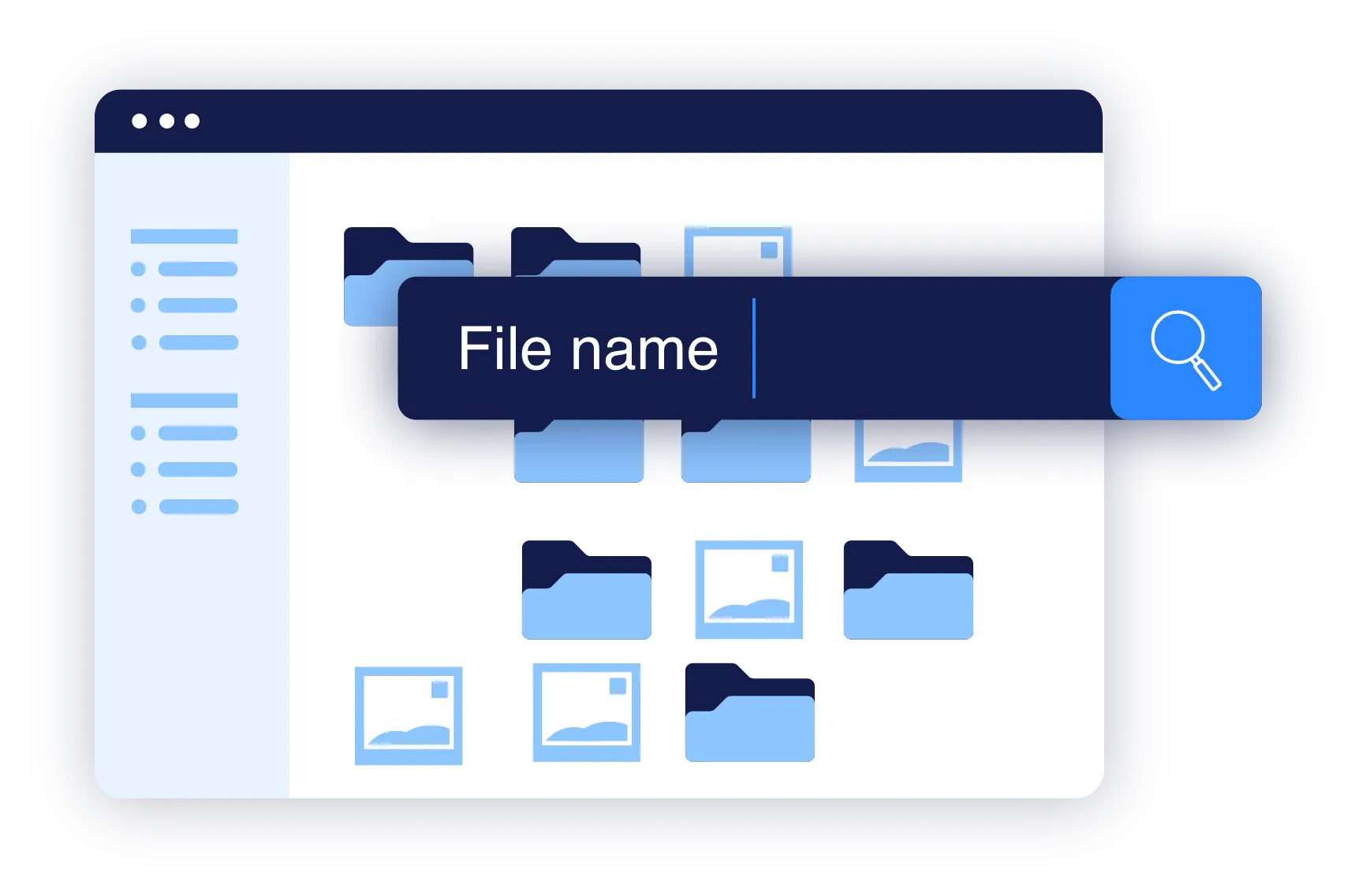
Searching
The powerful searching facilities within iBase ensure that you can always easily find your assets, whatever the criteria. Functions include free text, field, taxonomy and geolocation searches.
Security
New text xxxxxxxxxxxxxxxxxxxxxxxxx
Sharing
Sharing content with other users in iBase is easy and secure, and files can also be shared with various online platforms and other applications.
Support
New text xxxxxxxxxxxxxxxxxxxxxxxxx
Training
New text xxxxxxxxxxxxxxxxxxxxxxxxx
Uploading
Can files be uploaded with drag and drop?
Can folder structures be uploaded?
Are all file types supported, including images, videos and documents?
Can files be automatically uploaded from a hot or watch folder?
Are duplicate files detected and prevented if required?
Is embedded metadata automatically imported?
Can metadata be imported in bulk?
Can a watermark be added automatically during upload?
Is automatic keyword tagging available?
Can multiple versions of a file be automatically created?
Workflow
New text xxxxxxxxxxxxxxxxxxxxxxxxx
News & Insights
New to Digital Asset Management?
Digital assets could represent your commercial picture library, art collection, video repository, public interest archive, or anything else where content has been digitised.
New to Digital Asset Management?
Digital assets could represent your commercial picture library, art collection, video repository, public interest archive, or anything else where content has been digitised.
Clients include